What your client sees
Your client opens a private link on culltone.com. No account, no app. They see your studio's name, the gallery and the photos, and can tell you what they love and what they want changed.
- No account for clients
- Computer or phone
The gallery, from the client's side
-
The gallery opens
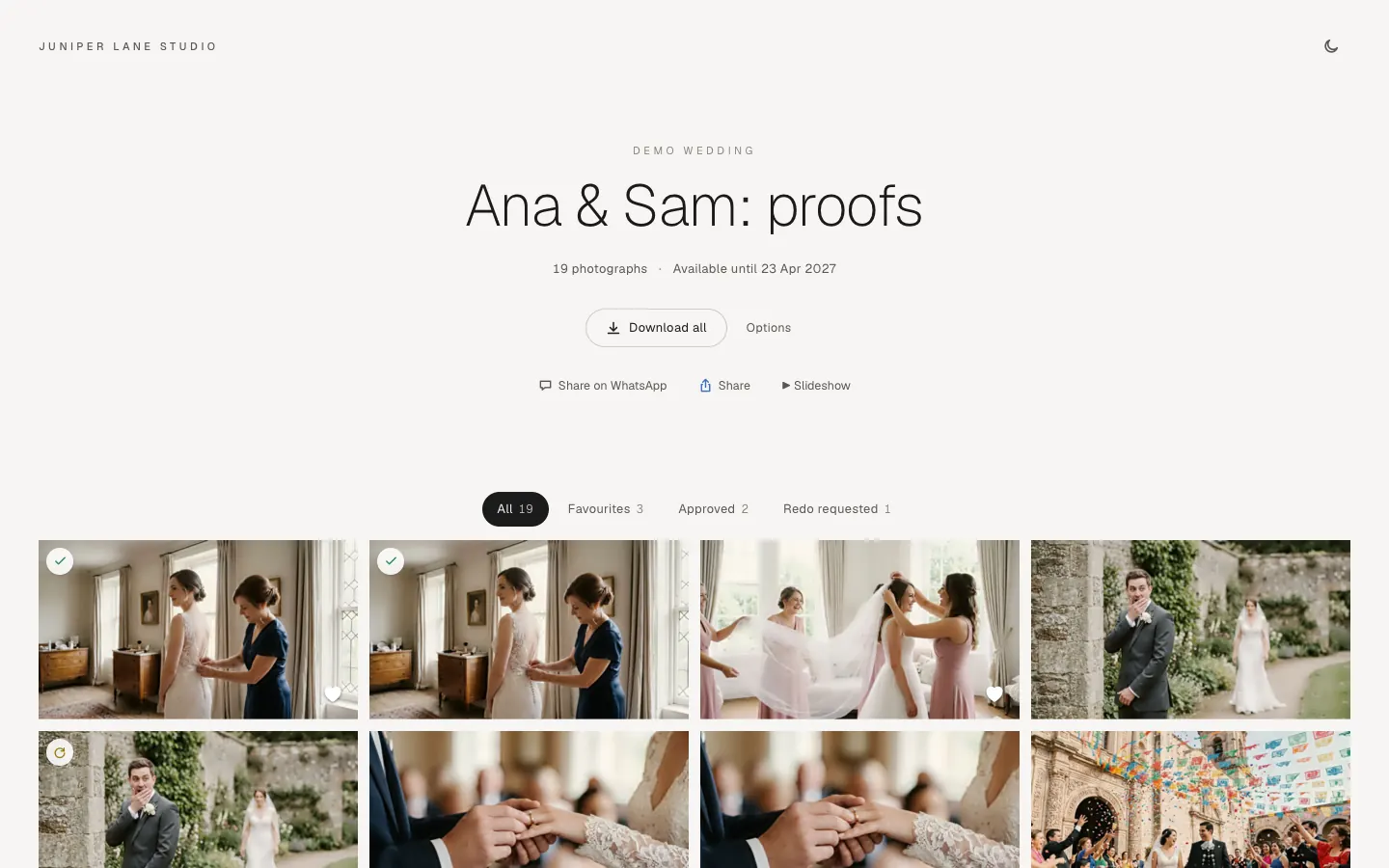
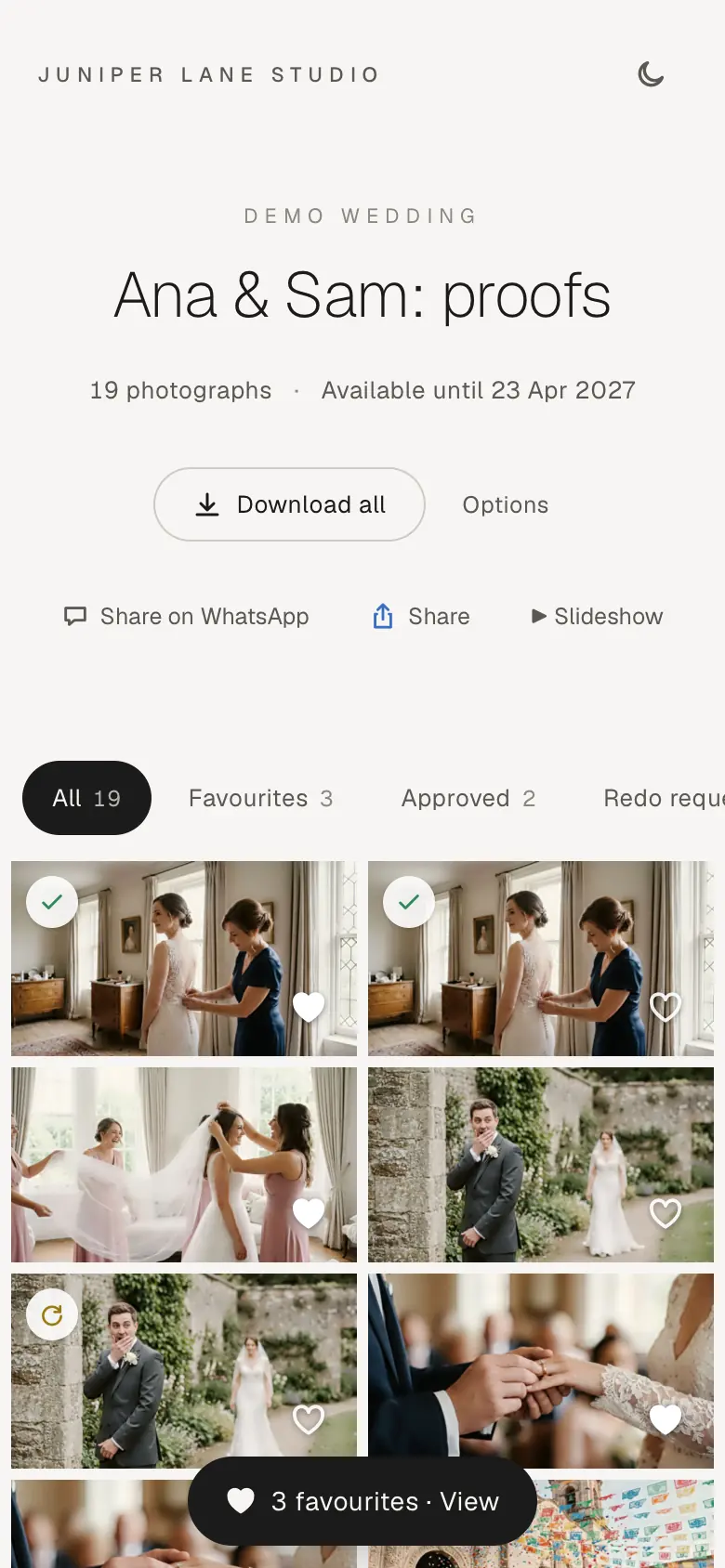
Your studio's name, the gallery name, the number of photos and how long it is available. Tabs filter by favourites, approved and redo requested.
-
A tab per event
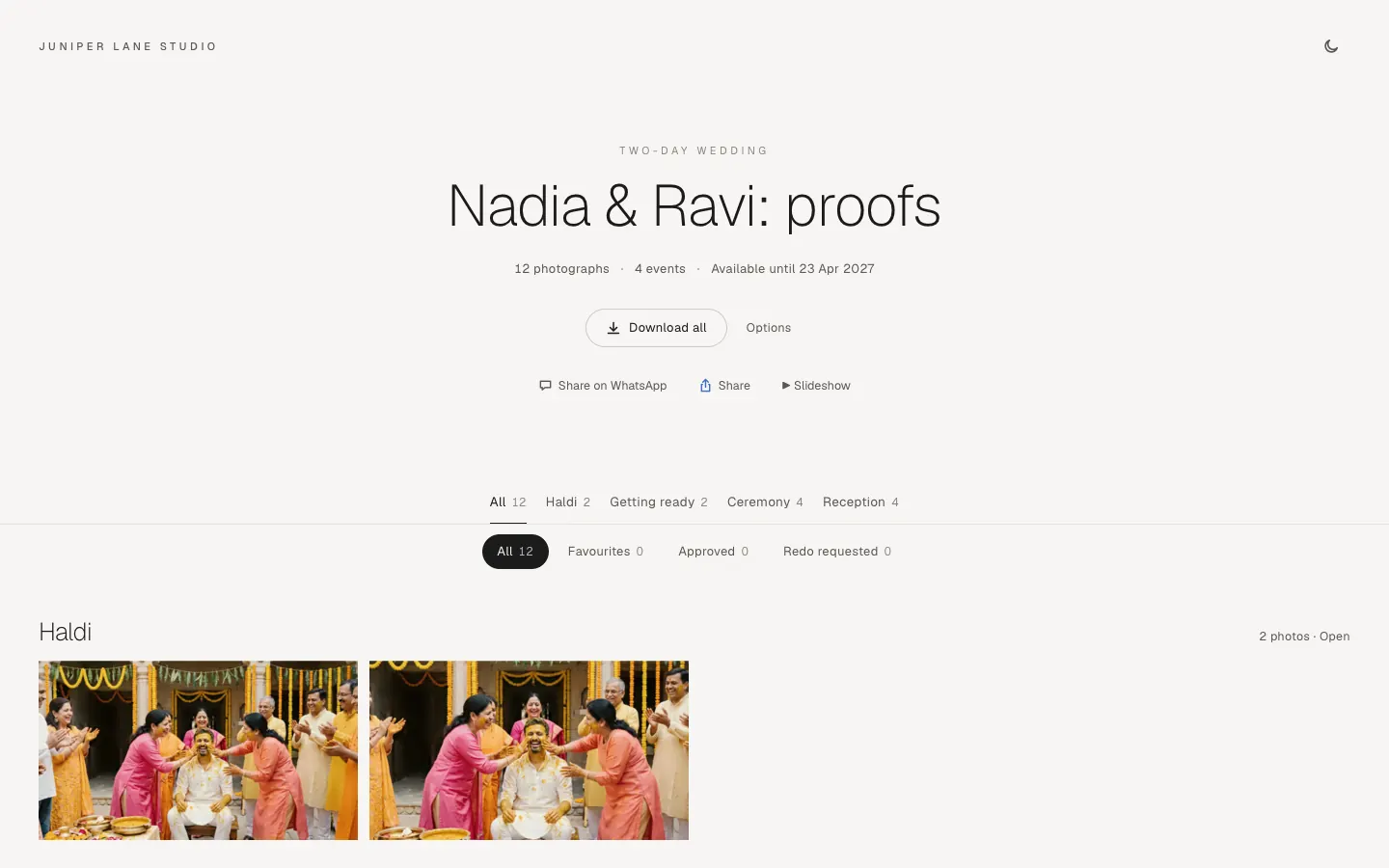
When the gallery holds several events, tabs under the title show each event with its photos, All first. On an event's tab, Download saves only that event; in All, Options has A folder per event. Your client sees only the events the link shows.
-
One photo at a time
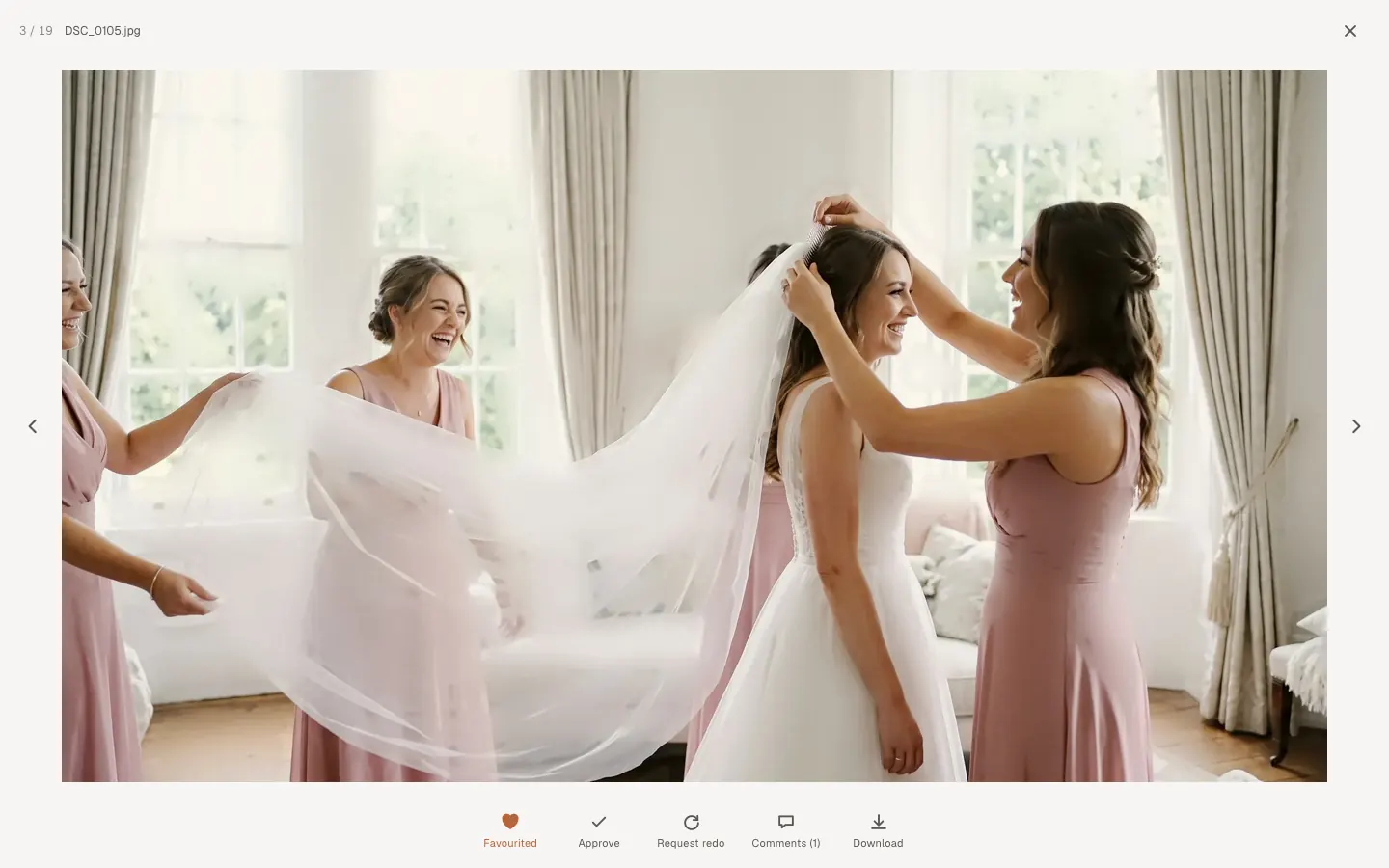
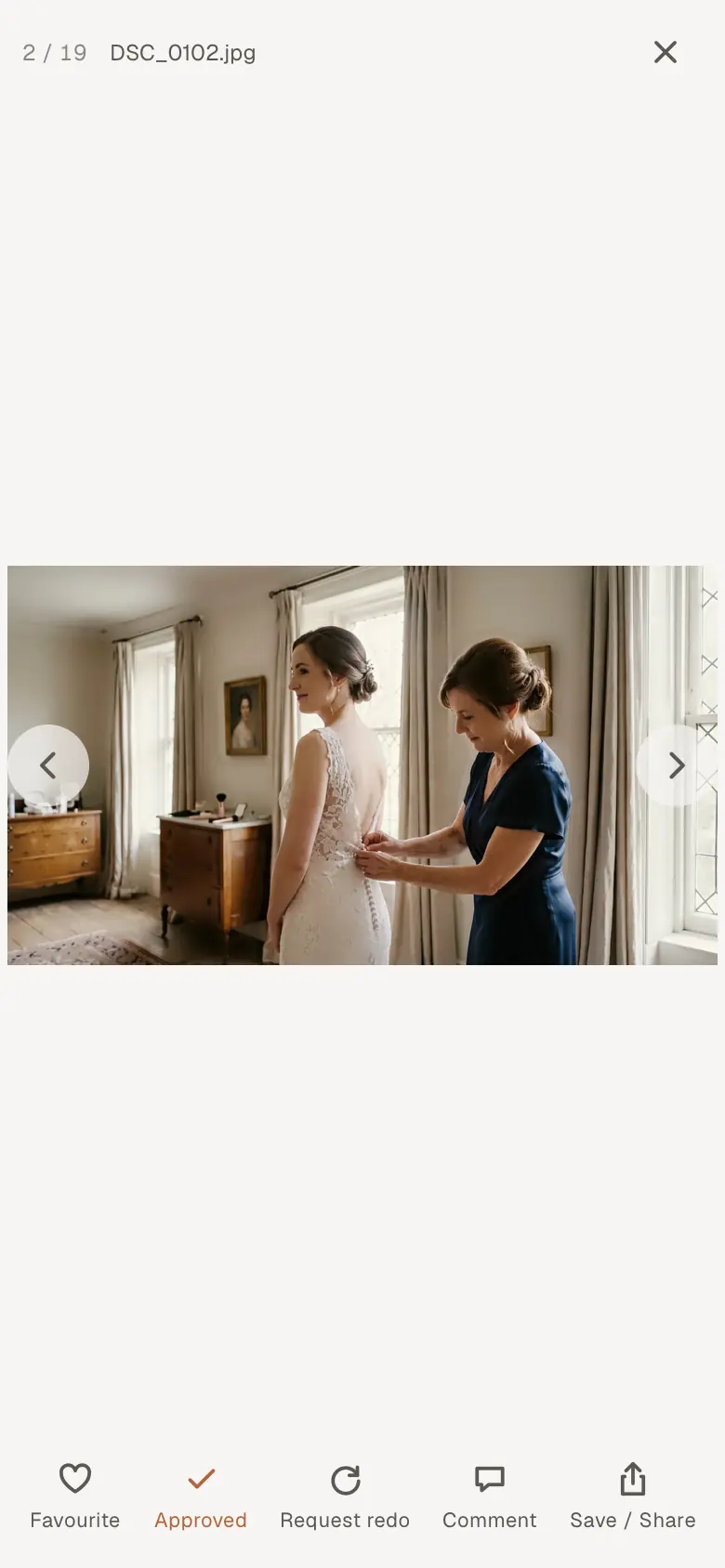
A click opens the photo large. Arrows move on; the mouse wheel or a pinch zooms. Below it: favourite, approve, request a redo, comment, download.
-
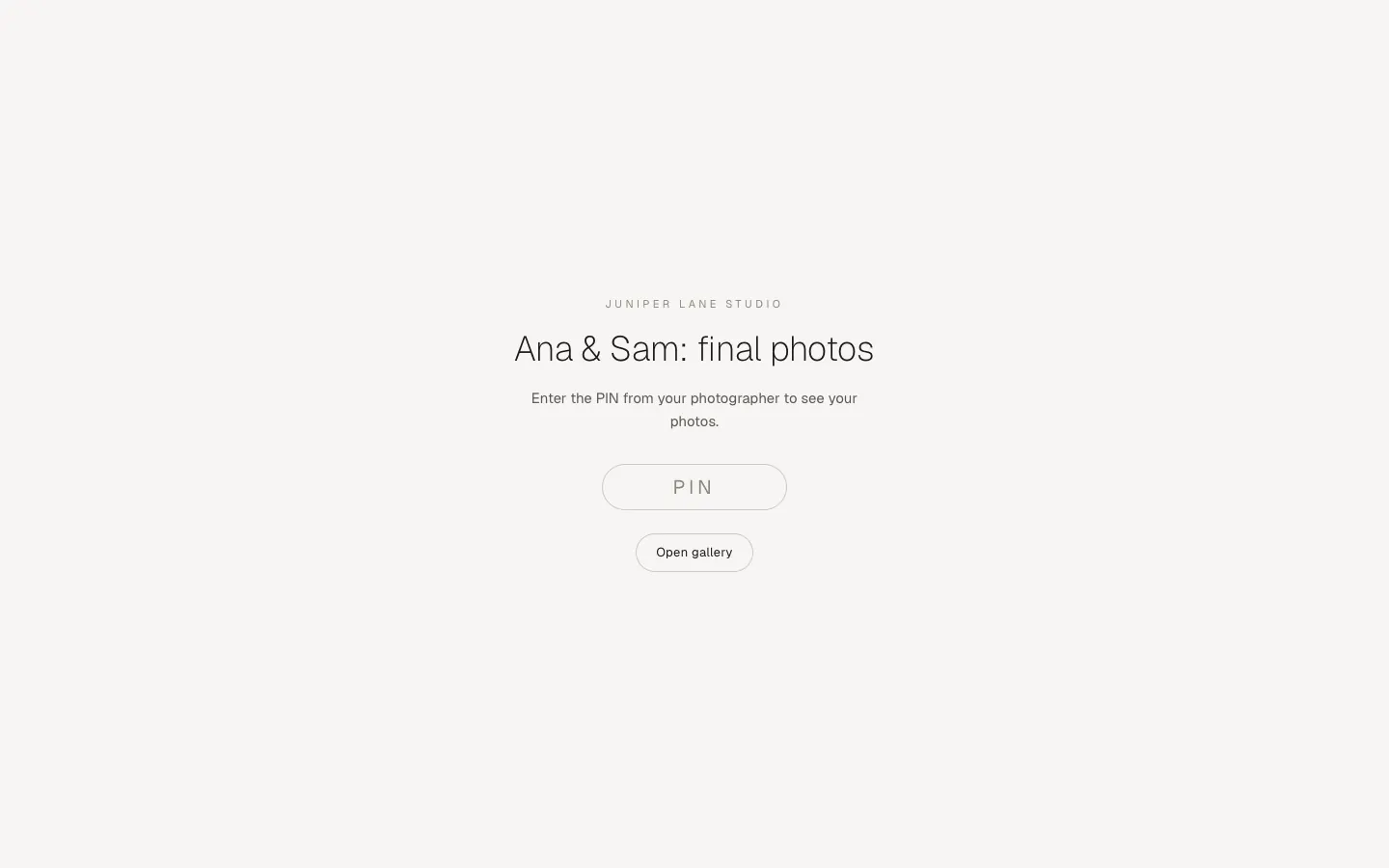
A PIN, if you set one
The client types the PIN once on each browser.
-
An album to approve
When the studio shares an album on the gallery, an Album tab shows its spreads. Tap a photo to ask for a change, comment on a spread, and press Approve the album when it is right. More in Share the album for approval.
-
Download
With downloads on, clients save single photos or Download all as one ZIP. With downloads off, they see a screen-sized version only, never the full file.
On a phone
-
Made for phones too
Most couples open the link on a phone. The grid fits the screen and the photo view swipes and zooms.
-
Comment and favourite
The same buttons sit under each photo. With downloads on, Save / Share saves the photo to the phone's Photos app or shares it.
Good to know
- Approving clears a redo request, and a redo request takes the approval back.
- Photos changed with AI are labelled in the gallery.
- The link is private and kept out of search engines. Anyone with the link (and the PIN, if set) can open it.