Portrait photography culling that looks at the eyes first
Two hundred frames of one face against one backdrop, and the keeper differs from its neighbour by a relaxed mouth. CullTone's portrait preset culls the way you do: sharp near eye, real expression, then everything else. You get a short, confident selection and your evening back.
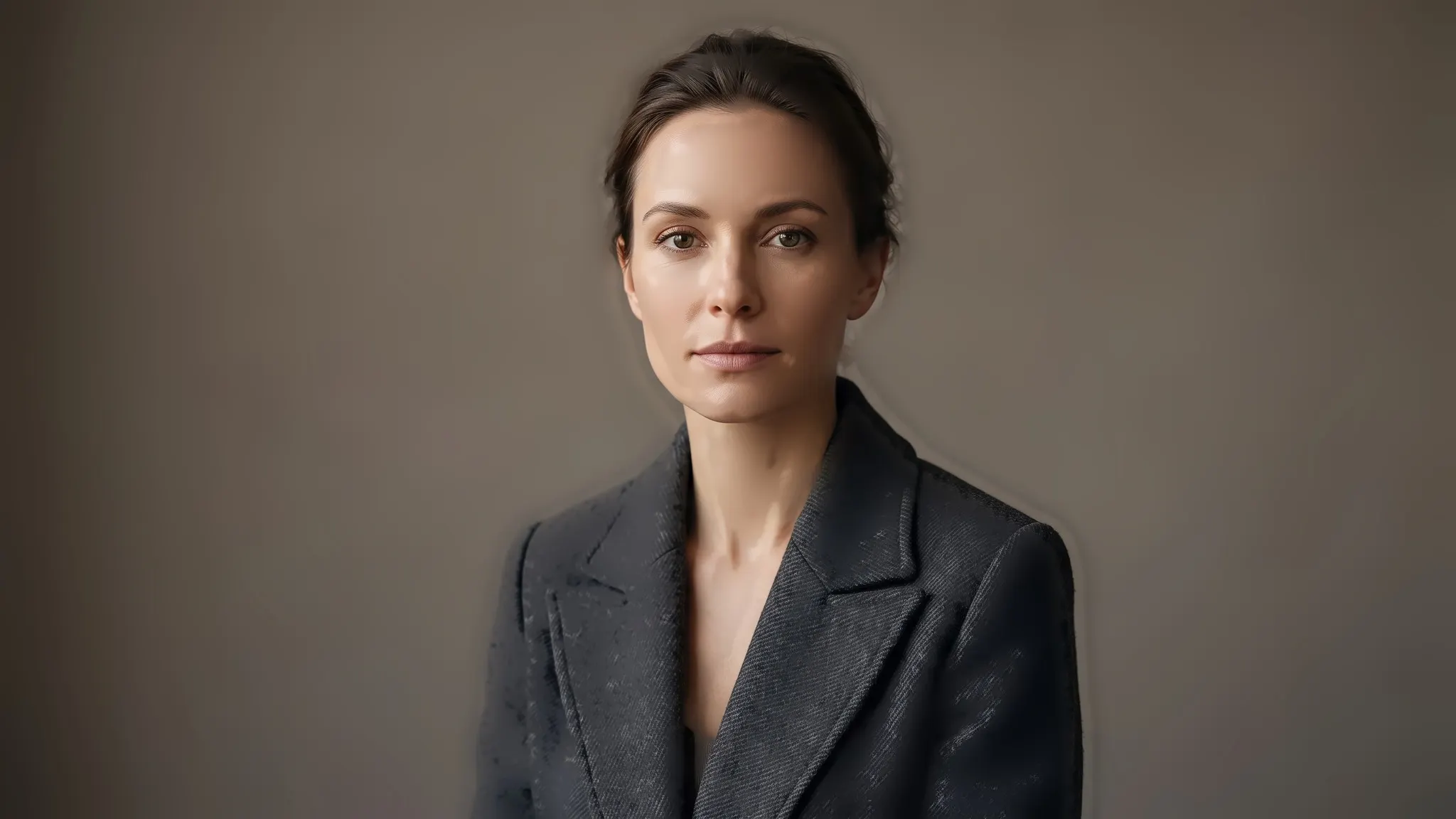
The eyes decide
Within each run of near-identical frames, the one with the sharper eyes and the better expression rises to the top.
Bokeh stays a gift
A background melting away at f/1.4 is the point of the frame, and it never counts against the keeper.
Blinks out, alone
A half-blink gets its reason written on the frame, so you see why it lost without opening it.
Your look on every keeper
Film warmth, golden hour or clean corporate colour, applied to the whole selection at once.
How the portrait preset culls a session
A portrait session is the most repetitive card you'll ever cull. The light barely moves, the background never changes, and variety, which matters so much at a wedding, counts for almost nothing. So the portrait preset puts focus and expression first, and judges sharpness on the face against the rest of your own session. Every frame gets Keep, Review or Archive with a plain sentence saying why, and the culling page lists every reason you'll see.
| In the frame | How it's treated |
|---|---|
| Soft near eye | A fault: the frame loses to a sharper neighbour |
| Blink or half-blink | A fault, with the reason on the frame |
| Soft, out-of-focus background | Intended |
| Ten near-identical frames of one pose | Grouped: one kept, a close runner-up sent to Review |
| Four or more faces in one frame | Judged by the worst face, so one blink sinks a family or team shot |
We think a portrait client should see fewer frames, and a culler that keeps a few extra "to be safe" just hands your job to the client, who then picks the one with the unflattering chin. CullTone keeps one frame from each run of near-identical shots. Want more choice in the gallery? Raise the keep target for the project, or star a frame as must-keep and it stays. If a quick pose change lands two poses in one group, press S on the frame that doesn't belong and it's split out.
Skin that still looks like skin
The portrait preset starts the edit gently, from your camera's own colour, with a little less contrast and saturation than a wedding. Then pick a look. Film: Portra warm gives soft blacks and creamy, flattering skin. Golden-hour glow brings sunset warmth without orange faces. Light & airy suits window light, and Black & white classic keeps skin luminous in monochrome. For corporate headshots, Editorial clean or True to camera makes thirty people from one company look as if they were photographed on the same day.
Face retouch waits until you switch it on. Then it smooths skin and softens under-eyes, and leaves moles, bindis and nose pins exactly where they were. Every look is on the looks page, and the editing page covers retouch.
Your client picks their favourites from a phone
Send one gallery link. Your client opens it with no account, hearts the frames they love and asks for a redo with a note ("soften the shadow under my left eye"), and every request lands on the right photo. That's your retouching shortlist, without screenshots of file names. Downloads are yours to switch on or off, one photo at a time or the whole set as a ZIP, and the gallery stays up for six months unless you extend it. Doing families as well? See newborn and family sessions.
Questions portrait photographers ask
Will it keep the deliberately candid, eyes-down frames?
Anything you star as must-keep stays, whatever the cull thinks. A frame with the eyes closed goes to Review with its reason, so you make the call on the moody ones.
Can I cull a corporate headshot day of fifty people?
Yes. Each person's run of frames is grouped, one is kept per run, and Editorial clean keeps colour consistent from the first person to the last.
Does it need a powerful computer?
CullTone Desktop runs on a Mac with Apple silicon, and culling happens right there at no charge per photo. It's in beta, and there's no Windows build yet.
Cull your next session in a look you love
Free for 30 days, with no card needed while billing is in beta. After that, plans start at $9 a month, with no charge per photo. Compare plans.