
Photo culling software for wedding photographers
It's Monday. Saturday's cards hold a few thousand frames, the second shooter's card is still in an envelope, and the couple have already asked when they'll see something. CullTone marks every frame Keep, Review or Archive with the reason beside it, edits the keepers in your look, and builds the gallery you send them.
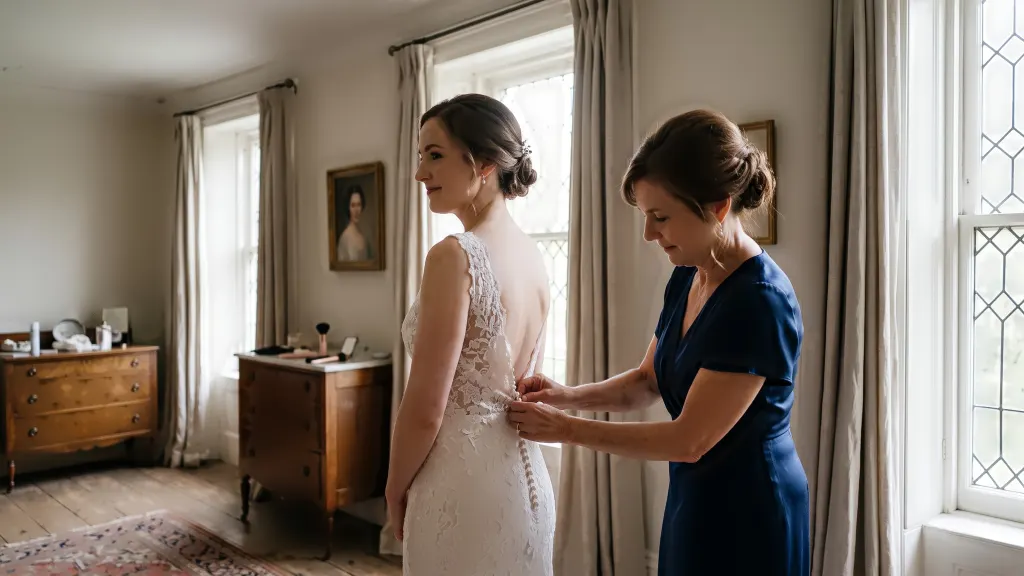
Both cameras, one timeline
Import the second shooter's card into the same project, and a camera clock that was off gets corrected.
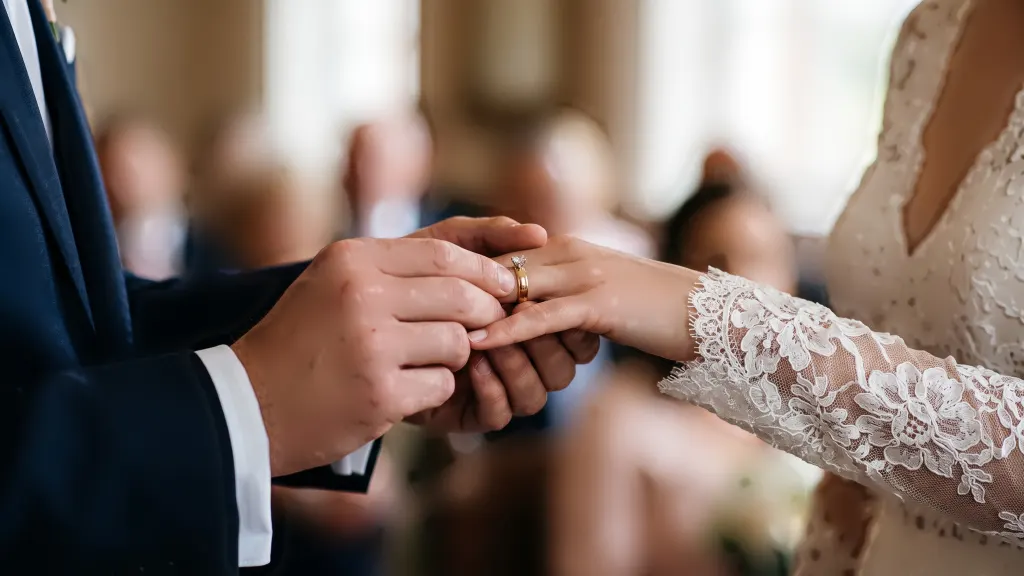
Every scene covered
At least three frames survive from every scene, so the cake cutting can't vanish because the dance floor was sharper.
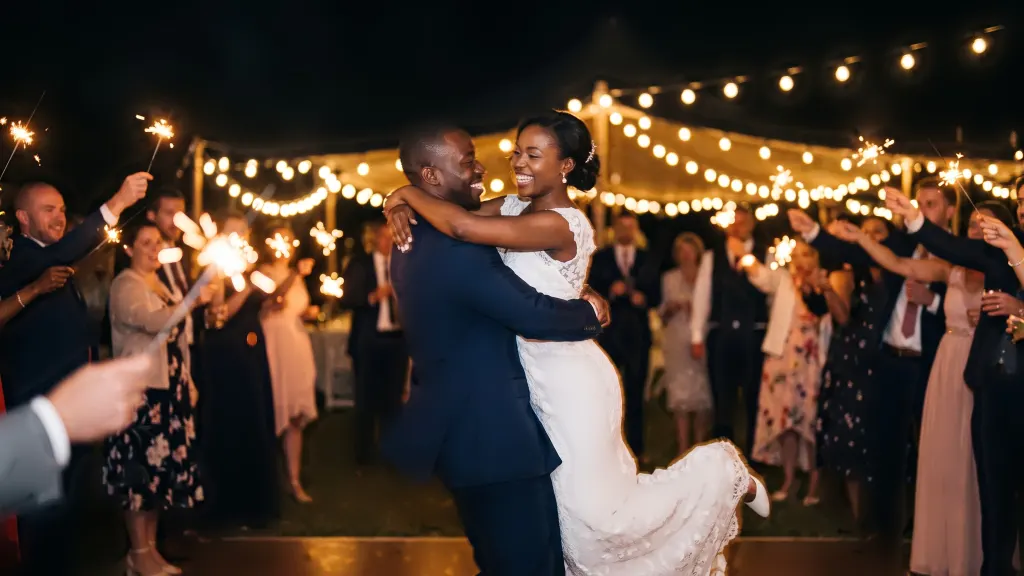
Your look on every keeper
Pick one of 54 looks or a style learned from your Lightroom catalog, starting from your camera's own colour.
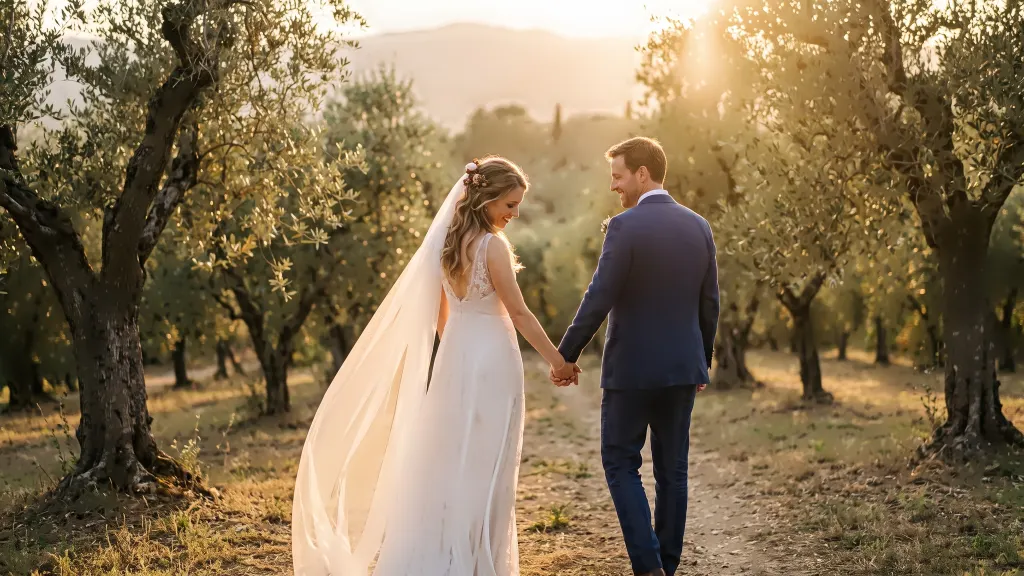
A gallery they'll love
Favourites, approvals, redo requests and downloads, on any phone, with no account.
How CullTone culls a wedding
Bursts and near-duplicates are grouped, and each gets one keeper. Each frame carries a sentence such as "one of 6 near-identical frames; frame 0412 is kept instead (eyes closed)", so you can see why without opening it. A laugh with the eyes shut goes to Review, never Archive, and so does a room full of people praying. Star a frame as must-keep, split a burst that was grouped wrongly, or undo anything with one key.
Group formals get their own rule. A frame with four or more faces is judged by its worst face, because one blinking uncle sinks the photo however good everyone else looks. When no frame of a set-up has every eye open, but each blinker is open in another frame, CullTone suggests a head swap and keeps those frames out of Archive. You set the keep target for the project; above it, the weakest keepers move down. The wedding culling guide walks through a whole day.
We'd rather hand you a pile of close calls than archive a grandmother's reaction because her eyes were half shut. If you want a culler that decides everything and asks nothing, CullTone will feel slow, and that's on purpose.
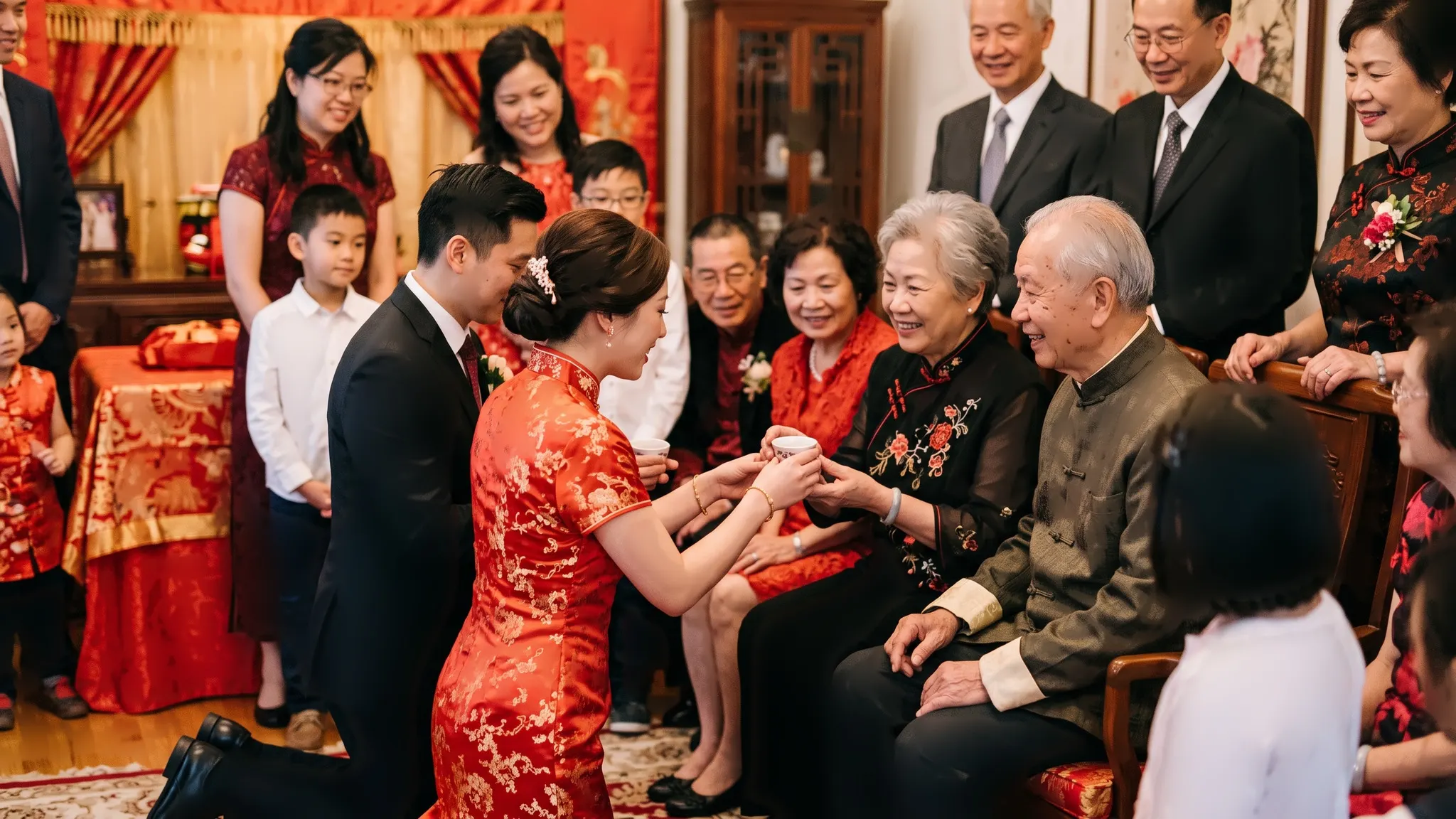
Edits that keep skin true
Exposure and white balance first, then your look. Face retouch waits until you switch it on, and leaves bindis, nose pins and moles where they are.
How the edit worksCheck it, then send it
Before anything reaches the couple, the quality check flags skin colour shifts, clipped highlights and size or metadata problems. Approved photos go into a client gallery where the couple hearts favourites, approves photos and asks for a redo with a note. Downloads, single or as a ZIP, are yours to switch on, and the gallery stays up for six months with a one-click extension. Finishing in Lightroom instead? Sidecars carry each frame's rating, colour label and reason across.
Questions wedding photographers ask
Does it cost more for a bigger wedding?
No. Culling runs on your Mac with no charge per photo, so a 3,000-frame Saturday costs the same as a 300-frame engagement. Plans differ by seats and storage.
Can I ask for a second opinion on the toughest bursts?
Yes, optionally. A paid second opinion ranks only the closest bursts, after you see and approve the price, and a project stops at $1 unless you raise the cap.
What do I need?
A Mac with Apple silicon. CullTone is in beta, with no Windows build yet.
Shooting a multi-day celebration? See Indian weddings for regional looks and rituals.
Bring last weekend's wedding
Free for 30 days, no card while billing is in beta. Then from $9 a month. Compare plans.