Direct flash: the crisp on-camera flash look for parties
Hard flash light on the subject held back from clipping, backgrounds sinking toward black, neutral colour and a fine grain.
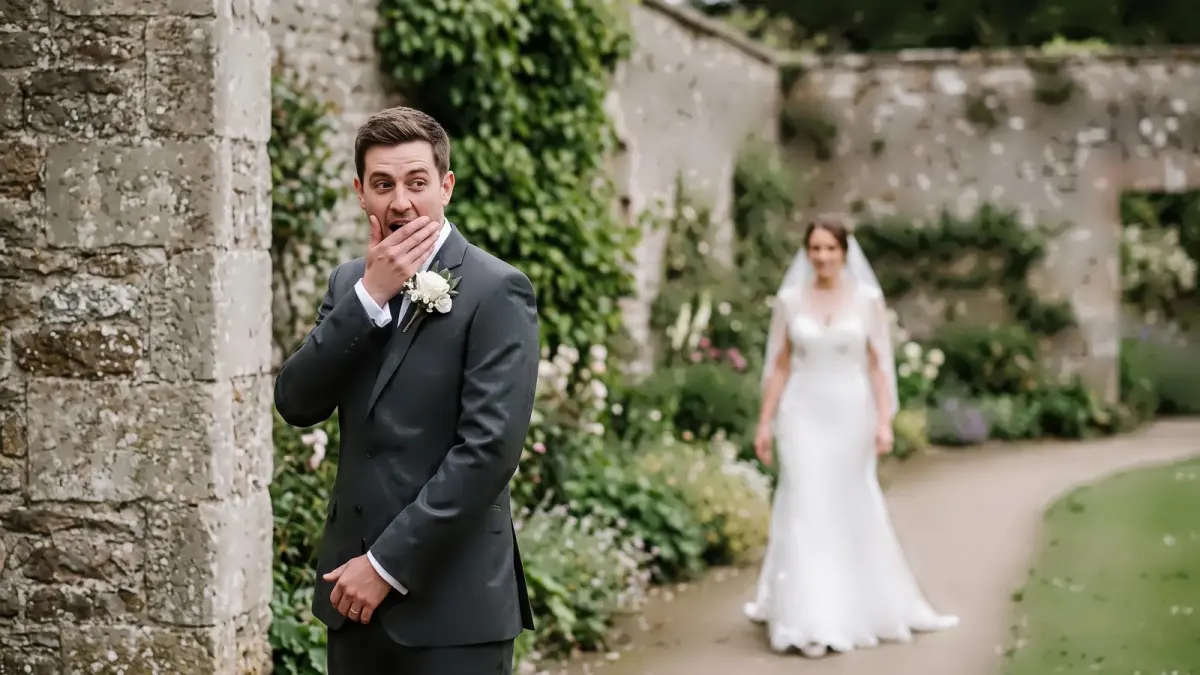
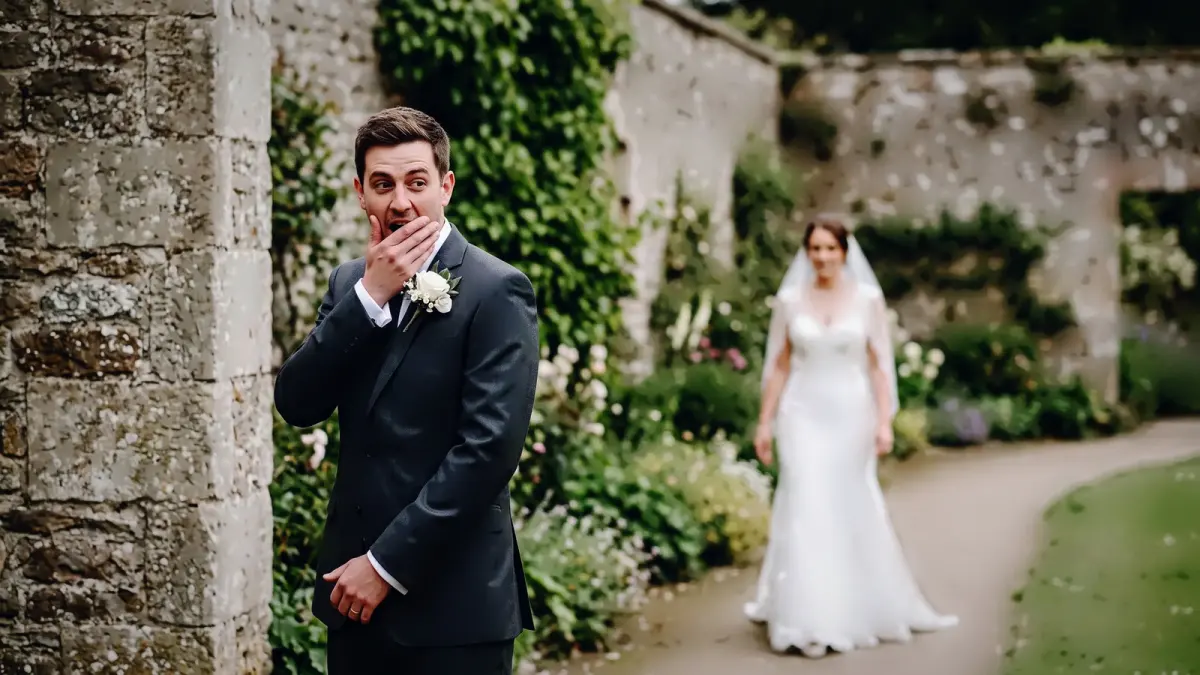 True to cameraDirect flash
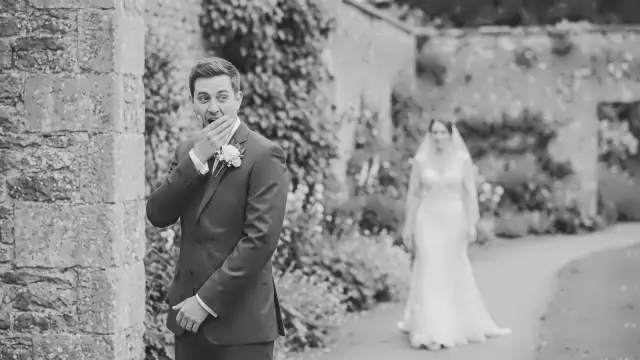
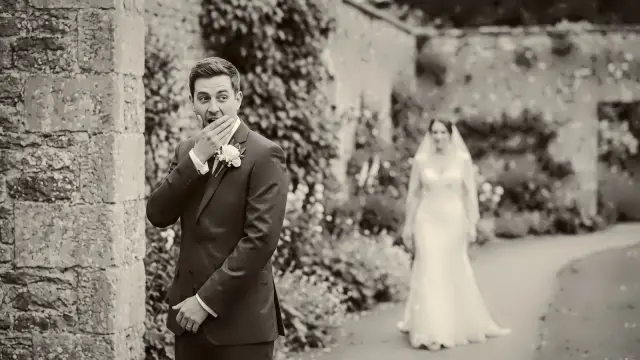
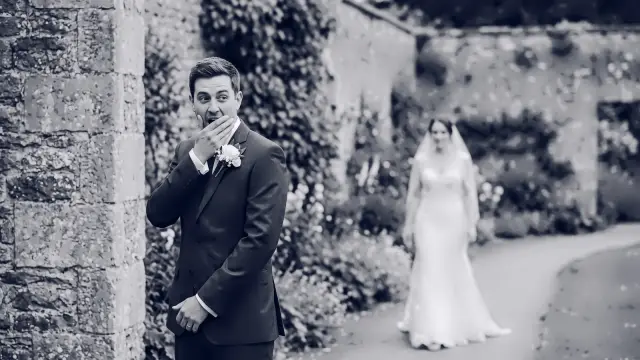
Drag to compare. Left of the line is True to camera, the plainest look; right of it is Direct flash at full strength, rendered from the same file.
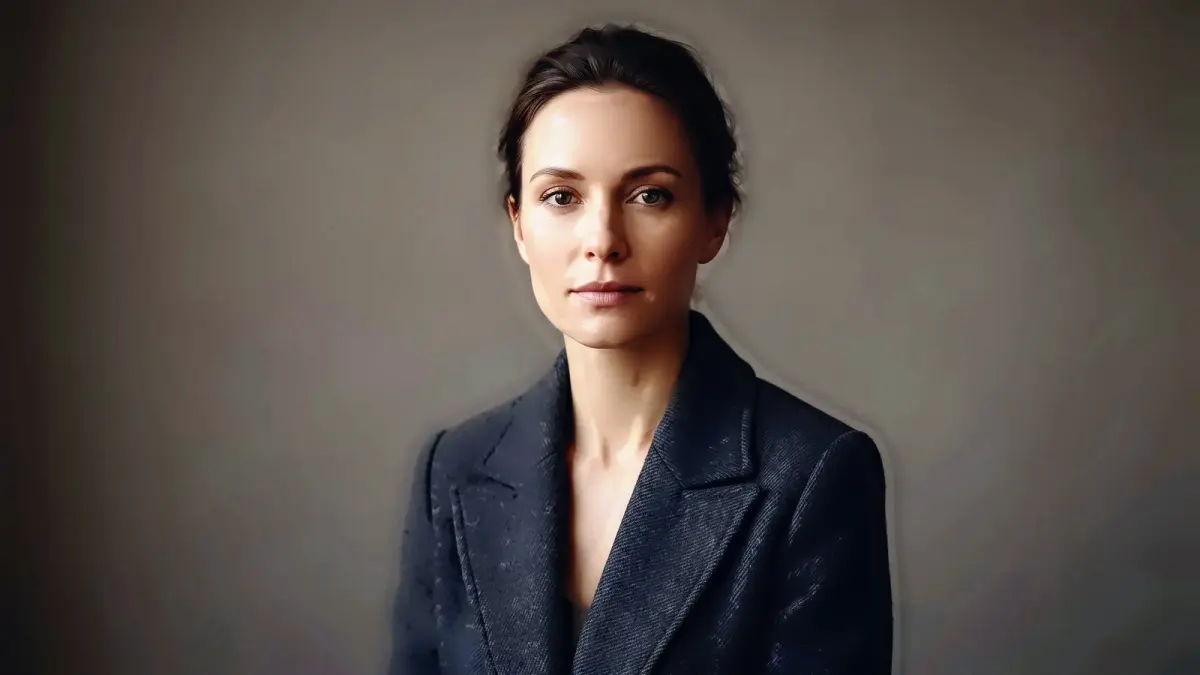
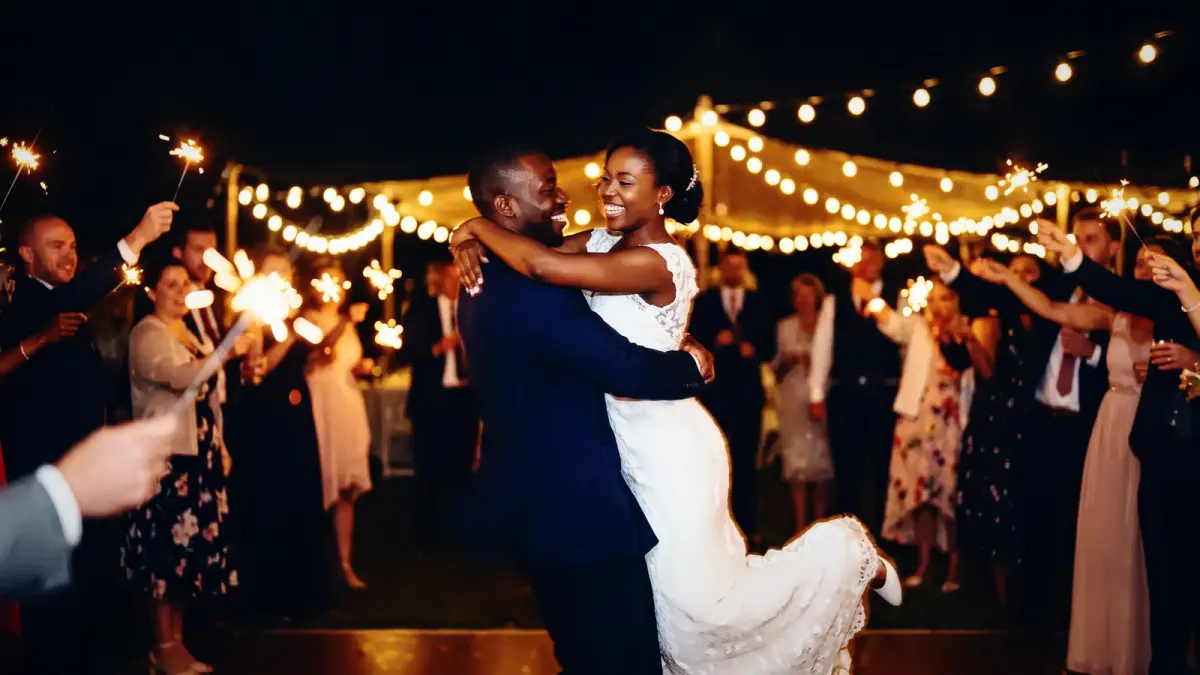
| What it does | Firm contrast, dark backgrounds, neutral skin, fine grain |
|---|---|
| Good for | Dance floors, late portraits, parties |
When we'd reach for it
Reception dance floors, late-night portraits, parties and nightlife shot with on-camera flash.
When we wouldn't
Frames shot without flash. Without the hard light the extra contrast just darkens the room.
The recipe
These are the settings stored in the look, drawn rather than listed. They sit on top of your camera's own colour and the exposure and white balance CullTone sets for each photo, so the same look lands a little differently on every frame.
Every look has a strength from 0 to 1.5. At 0 you get the plain camera-matched edit, at 1 the look as drawn here, and above 1 more of everything it does. More on reading curves in tone curves for photographers.
Close to this one
Try Direct flash on your own photos
Start a trial, create a project and pick this look. The studio shows it on your frames, at any strength, before anything renders.