Cinematic teal and orange that keeps skin its own colour
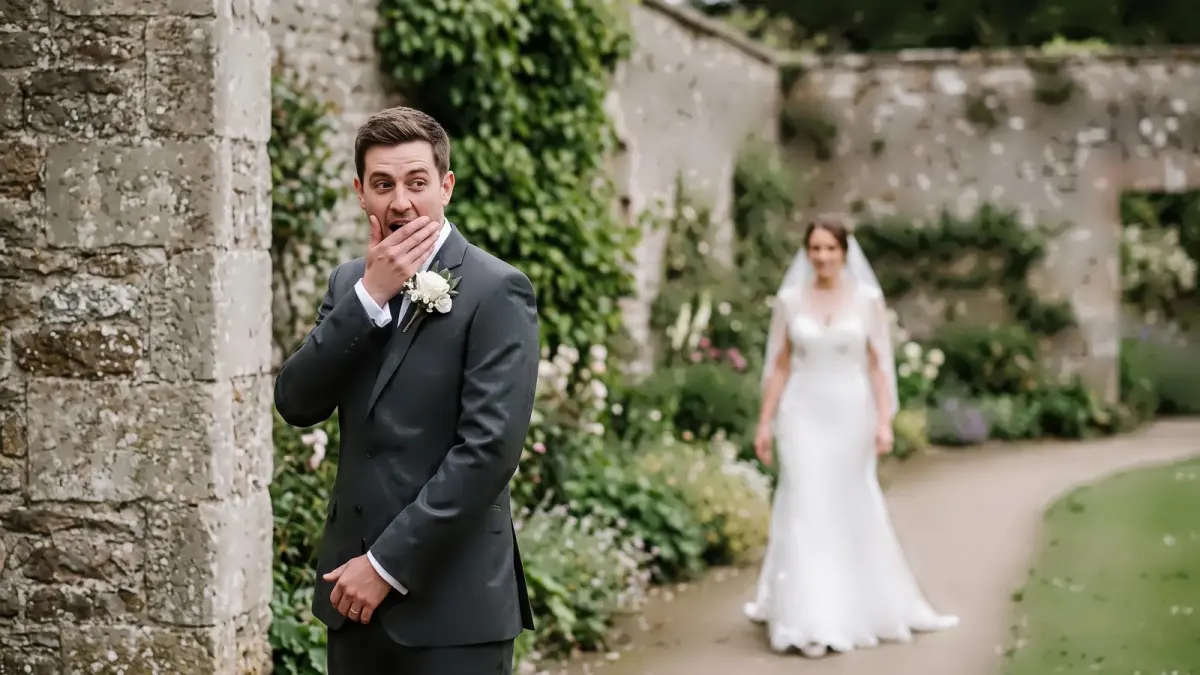
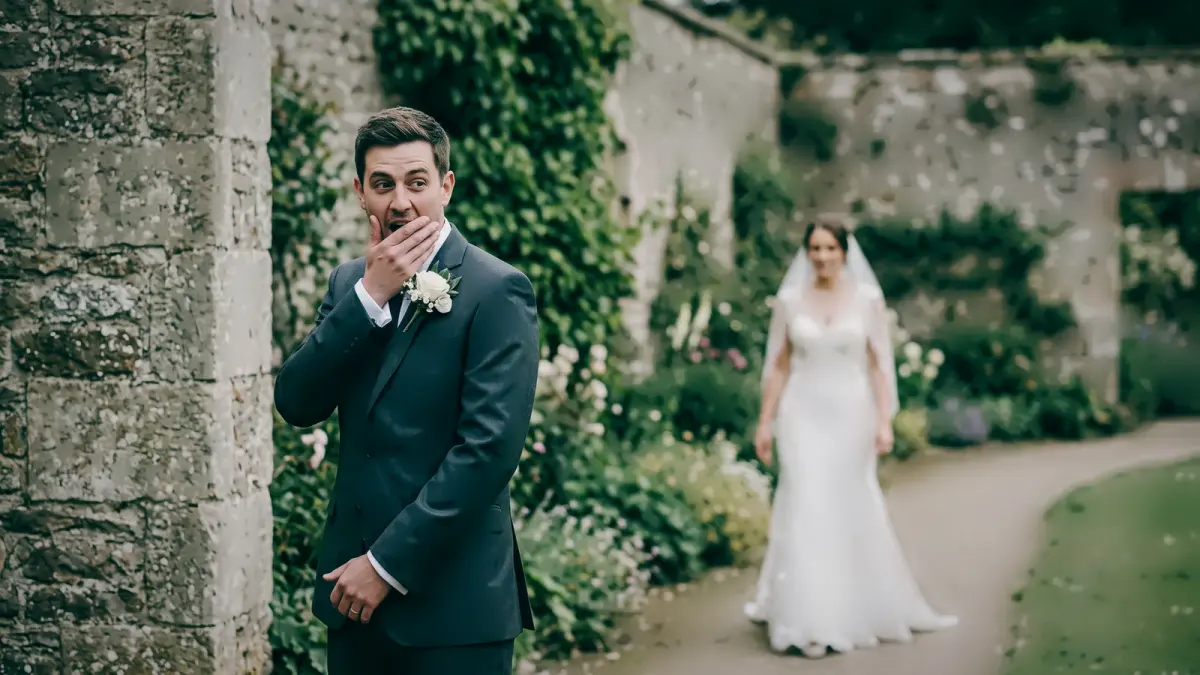
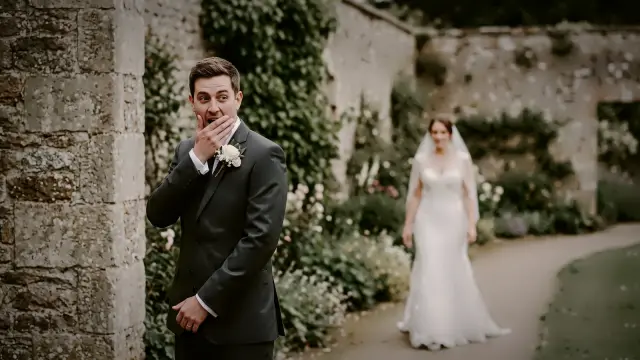
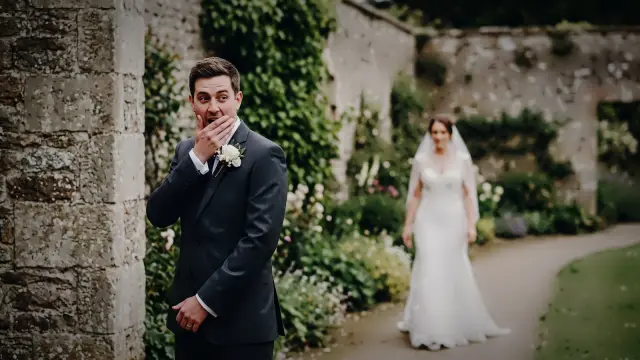
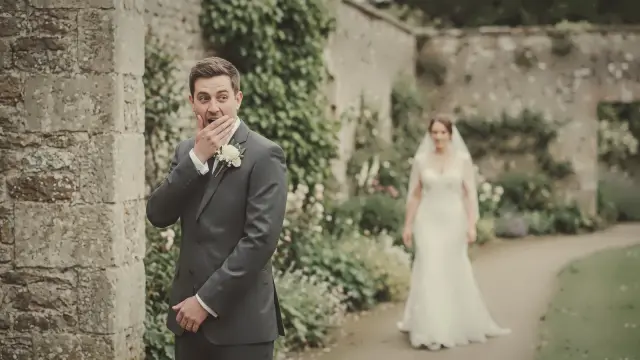
Teal pushed into the skies, greens and shadows, a cooler and darker frame with deeper contrast and a vignette, while skin keeps its own hue. The film-poster look without orange faces.
 True to cameraCinematic teal & orange
Drag to compare. Left of the line is True to camera, the plainest look; right of it is Cinematic teal & orange at full strength, rendered from the same file.
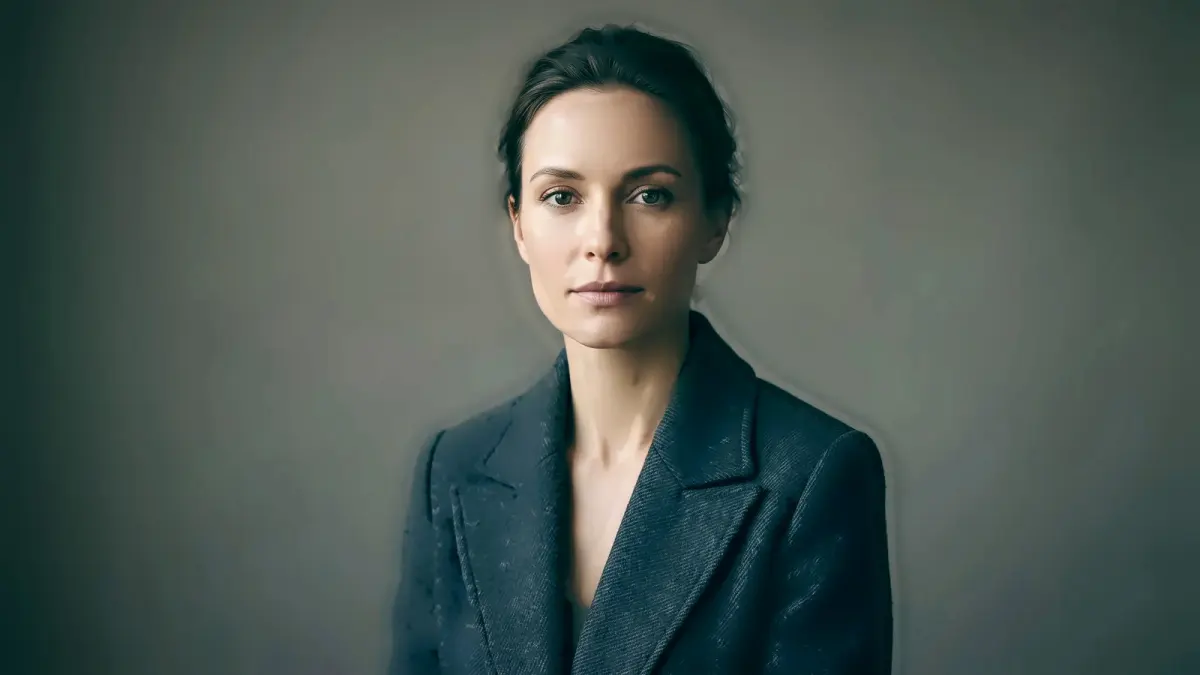
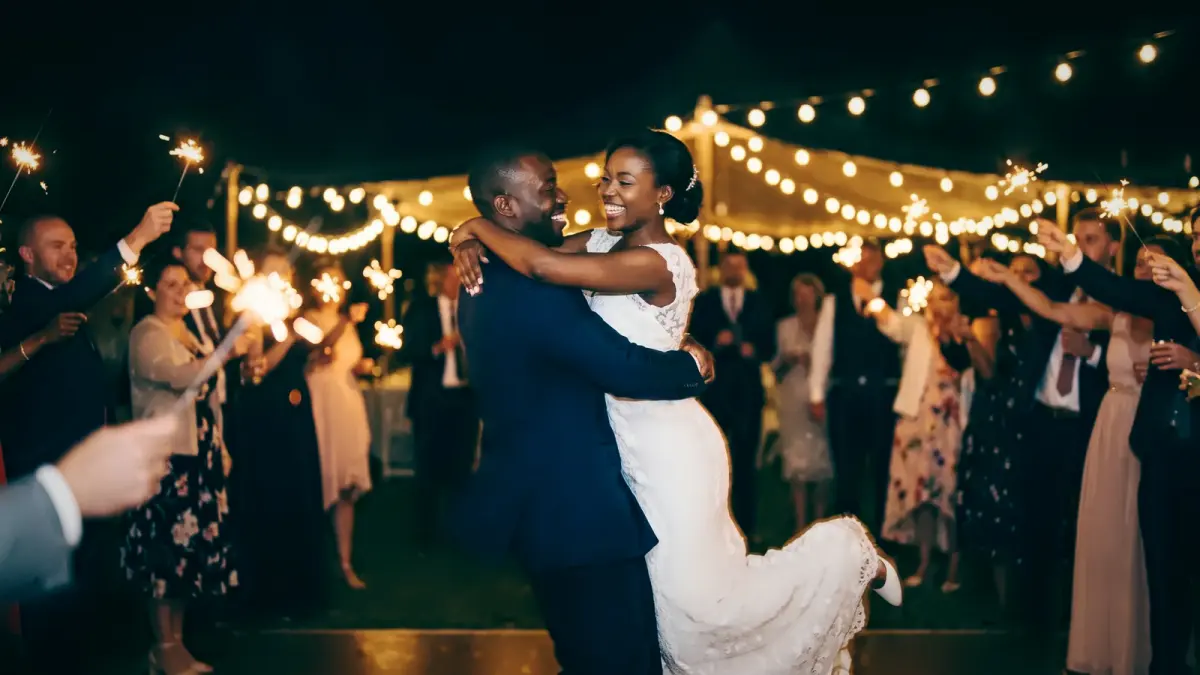
| What it does | Teal skies and shadows, a cooler and darker frame, skin keeps its hue, a vignette |
|---|---|
| Good for | Night portraits, urban and coastal locations |
When we'd reach for it
Night portraits, city and coastal locations, pre-wedding films and stills.
When we wouldn't
Ceremonies where the decor carries meaning. Teal shadows on a red mandap or a gold banquet hall pull against colours the family chose.
The recipe
These are the settings stored in the look, drawn rather than listed. They sit on top of your camera's own colour and the exposure and white balance CullTone sets for each photo, so the same look lands a little differently on every frame.
Every look has a strength from 0 to 1.5. At 0 you get the plain camera-matched edit, at 1 the look as drawn here, and above 1 more of everything it does. More on reading curves in tone curves for photographers.
Close to this one
Try Cinematic teal & orange on your own photos
Start a trial, create a project and pick this look. The studio shows it on your frames, at any strength, before anything renders.